
Fred Ott’s Sneeze or Edison Kinetoscopic Record of a Sneeze was shot, and copyrighted in 1894 by the Edison Manufacturing Company. The stills, pictured left, were published in a print article for Harper’s Weekly. Copies of both the film and the newspaper print survive.
In the film, Fred Ott, one of Thomas Edison’s assistants does a pinch of snuff and sneezes.
The film has been on the Library of Congress’s National Film Registry since 2015.
From film to images
Rather than use one of the printed sheets, I chose to use the Library of Congress’s video, which compiles several source materials, looping and repeating the sneeze’s 45 frames into a 00:48 second long video.
I’ve used ffmpeg during several stages of this process for convenience, with the first being to turn each frame in the video into a png. I used the basic command to extract images as my ultimate goal is to simplify the image as much as possible, so it didn’t matter if the frame rate wasn’t correct.
ffmpeg -i input.mp4 %04d.png The Library of Congress’s video has 834 frames, and I have chosen to use frames 162 to 206 as my source material for this project. For my initial image processing tests, I used frames 7-14
To turn these frames into a gif, I used the following ffmpeg script.
I find that working from a gif helps maintain a certain level of coherence to the finished pattern, especially as the images get more and more abstract.
ffmpeg -framerate 1 -pattern_type glob -i '*.png' output_slow.gif
Image Processing

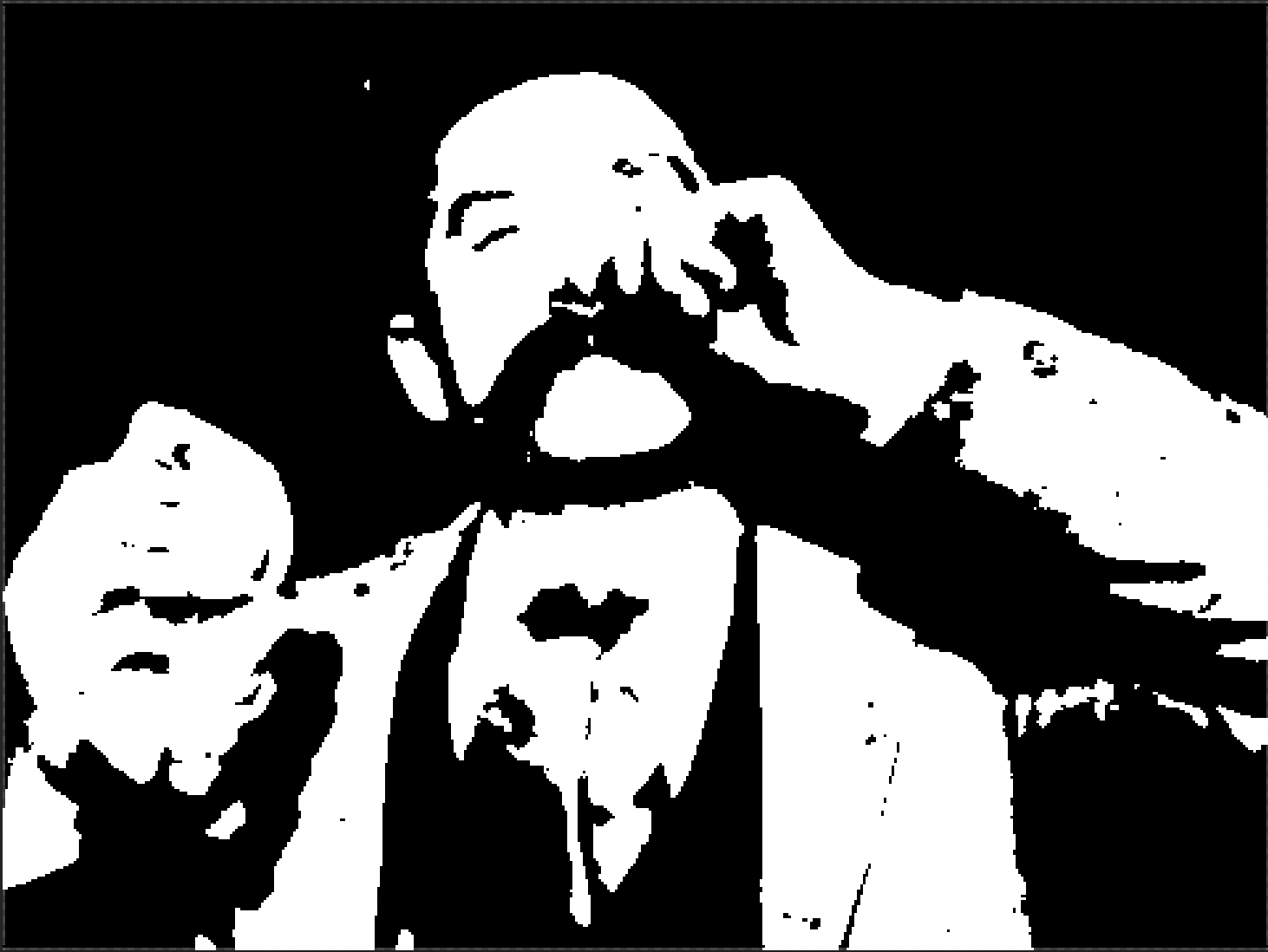
Colorwork knitting with 2 colors is essentially pixel art, except the pixels are relatively large and it takes a lot of time and effort to complete. So my ultimate goal while processing images is to reduce the size, amount of colors, and details as much as possible in photoshop before uploading the image onto stitchfiddle, a website for creating knitting and crochet pattern charts. They have their own methods for further simplifying images that work really well, and I don’t want to reinvent the wheel. All of these processes could be automated, but there were only 45 images so I just did it manually.
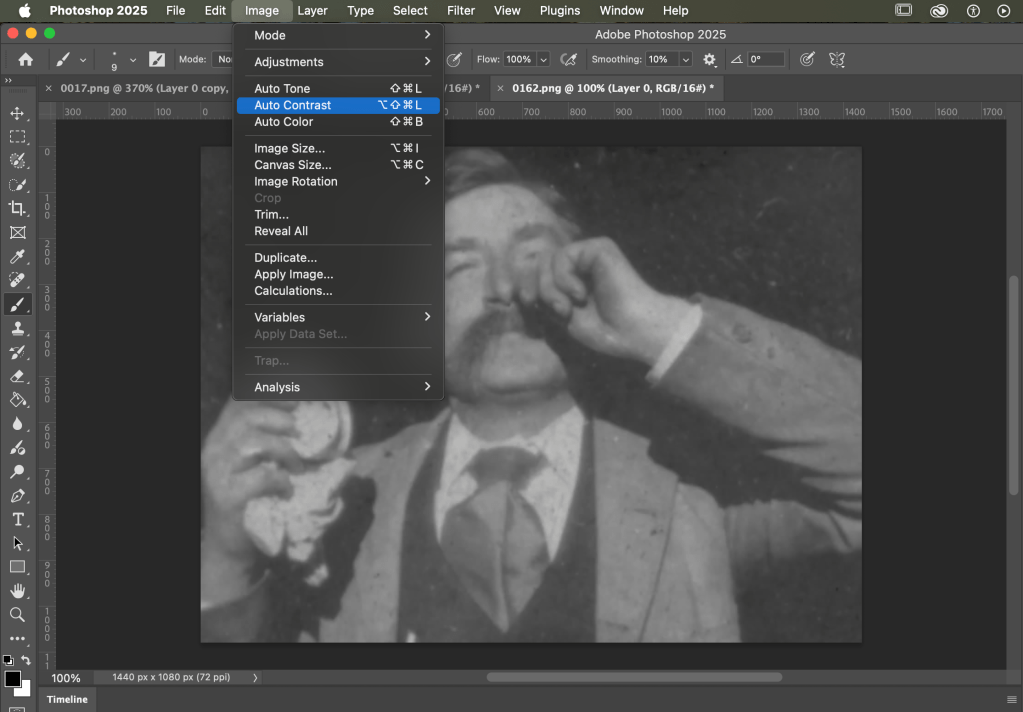
In these situations, auto contrast is a good friend.
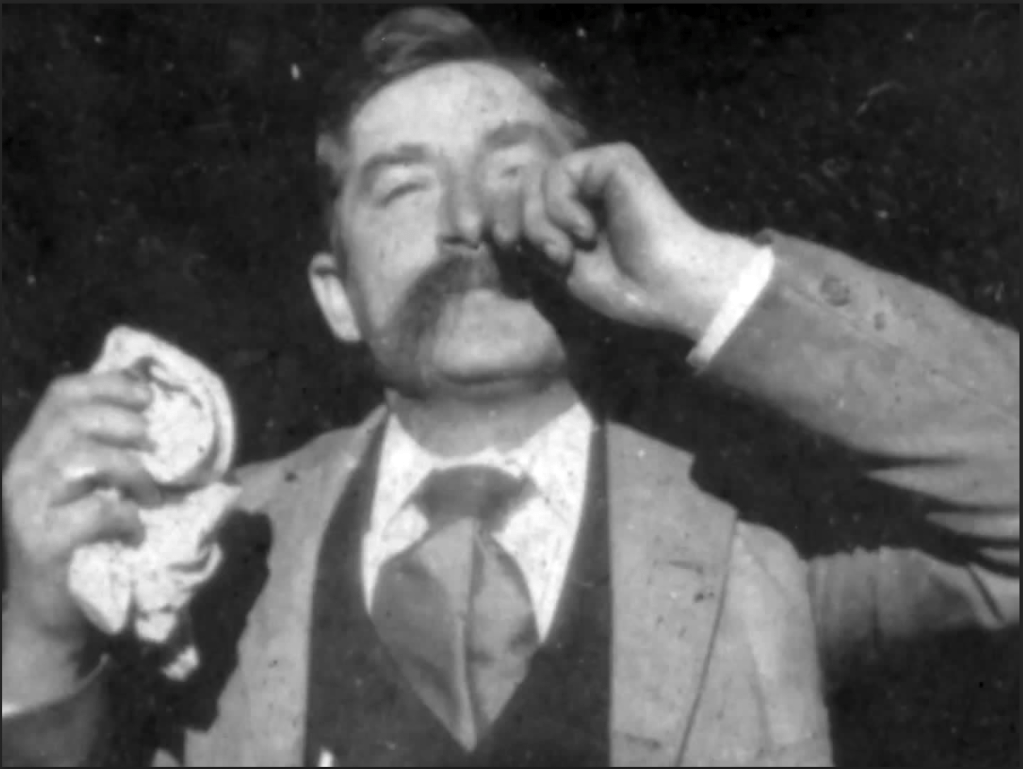
I really like the effect that Gradient Map has on these images, as it dramatically reduces the amount of visible grain or damage in the background. It does come at the expense of Frank Ott’s hair, but it was too dark to have survived the process anyway.

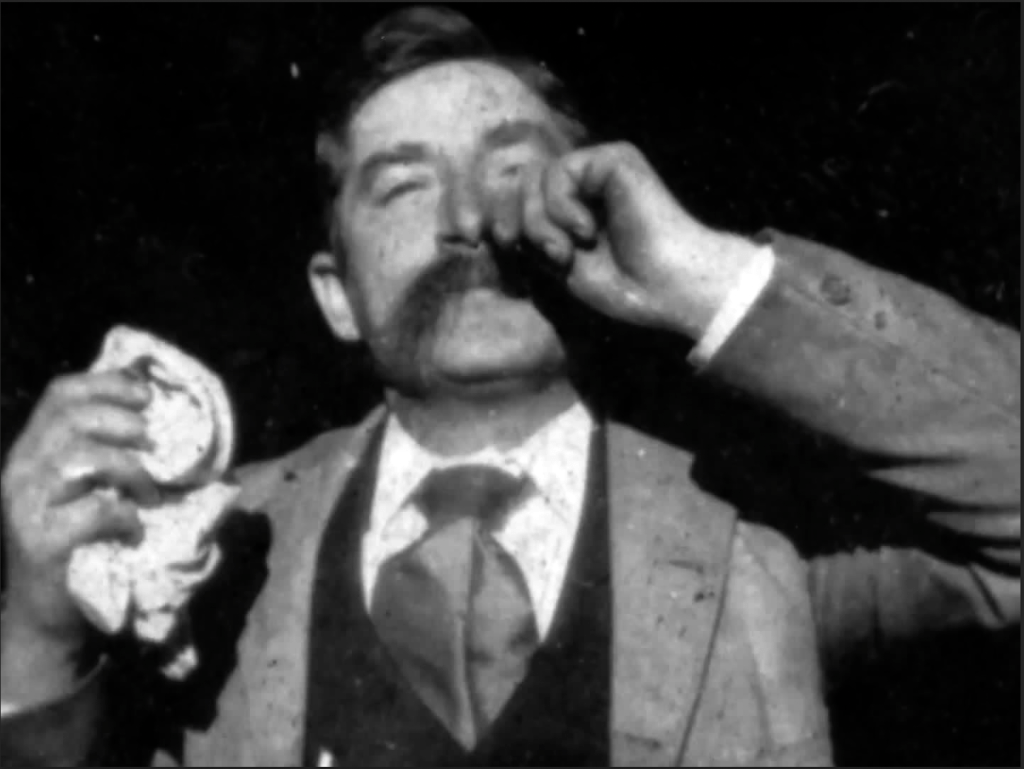
The original png is 1440 px by 1080 px, and my goal is to eventually get that down to the smallest amount of pixels possible, ideally around 40 or 50 across. After this first stage in photoshop, I reduced it down to 480 by 360.
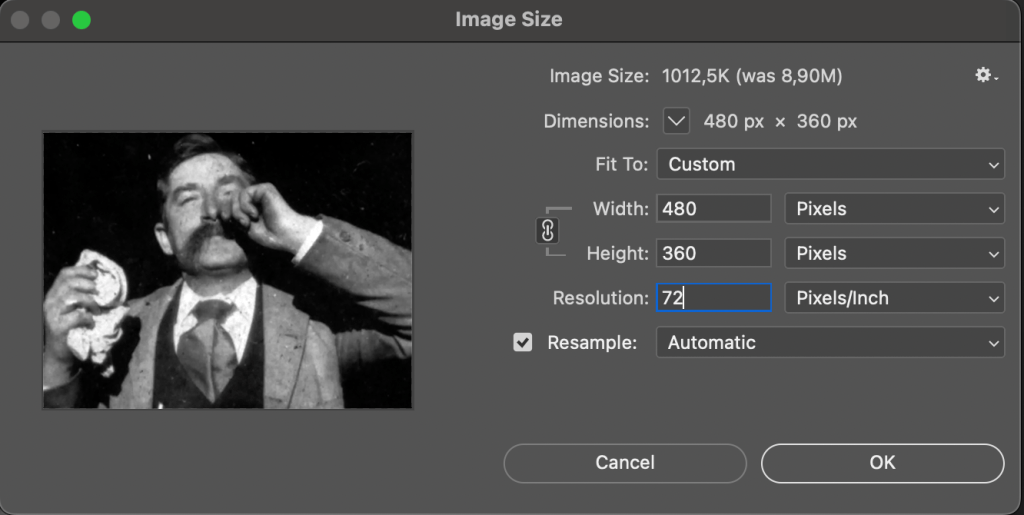
At this point, my tests were showing that there were still too many shadows on Frank Ott’s jacket, which was effecting readability and was forcing the final knitting pattern to be bigger than I wanted it to be, with a minimum width of 60 px. To fix this, I bumped up the exposure so that he was a little fluorescent.

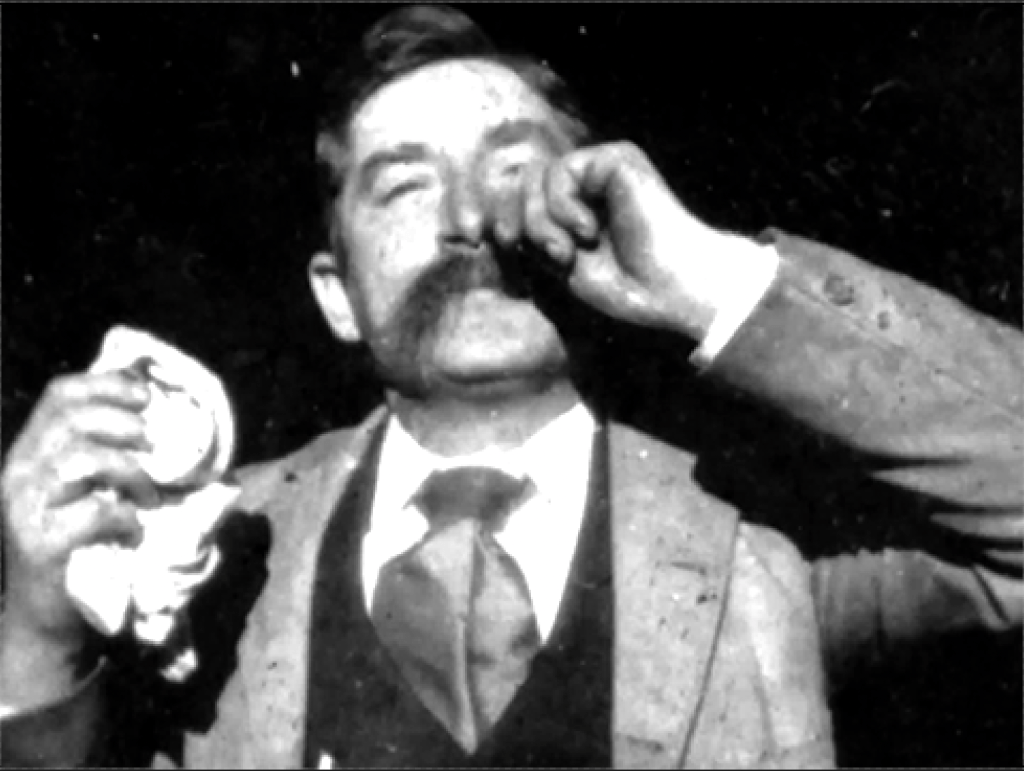
My final step was to use the Threshold Adjustment to reduce the image to 2 colors, which results in a really nicely abstracted image. Frank Ott’s mustache and inner black vest is going to be central for the readability of this animation, as they will show his movement the best and are relatively recognizable if you are familiar with the source material.
However, for the knitted animation to be successful for a wider audience, its important that some of the details that make a face, like a prominent ear, eyes or eyebrows, and mouth, come through strongly in each frame at this stage. Most people are able to see faces everywhere due to our brain’s emphasis on pattern recognition (think the man in the moon), so even a hint of these details in the final product will allow for most people to fill in the rest of the details themselves.

After processing each image, the resulting gif
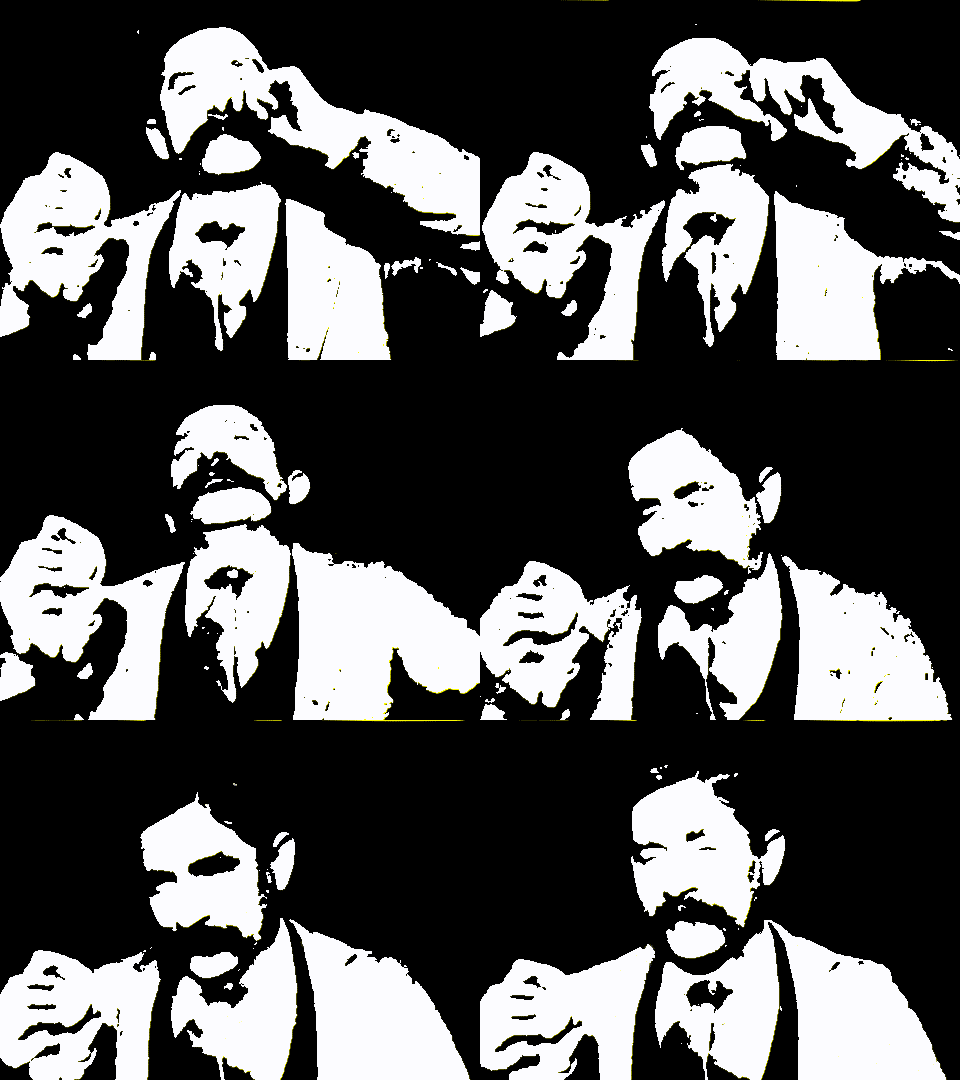
I could choose to further simplify the image by reducing most of the details in Frank Ott’s coat, but I find that stichfiddle’s image processer does a better job than me of keeping some of those details so that the illusion of movement comes through.
My next post will show the process of taking these processed images and turning them into knitting patterns.
 Inside Baseball Knitting
Leave a comment